Fine-tune an open-weight model from the dashboard: creating jobs, monitoring runs, and using the results.
A training job fine-tunes an open-weight base model with LoRA on Arkor's managed GPUs. Jobs live under a project's Jobs tab. If you prefer code over forms, the framework docs cover the same platform through the TypeScript SDK and CLI.
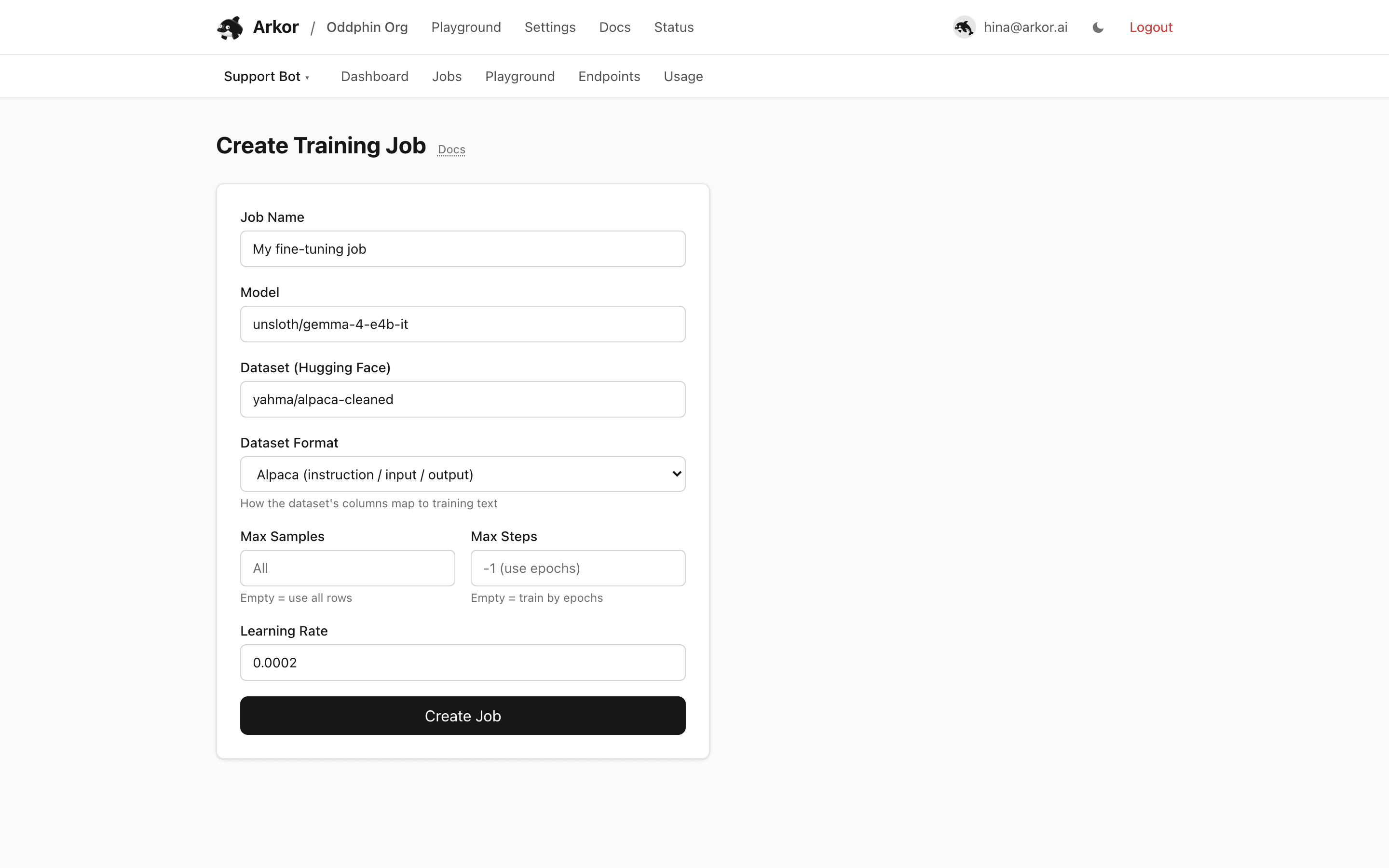
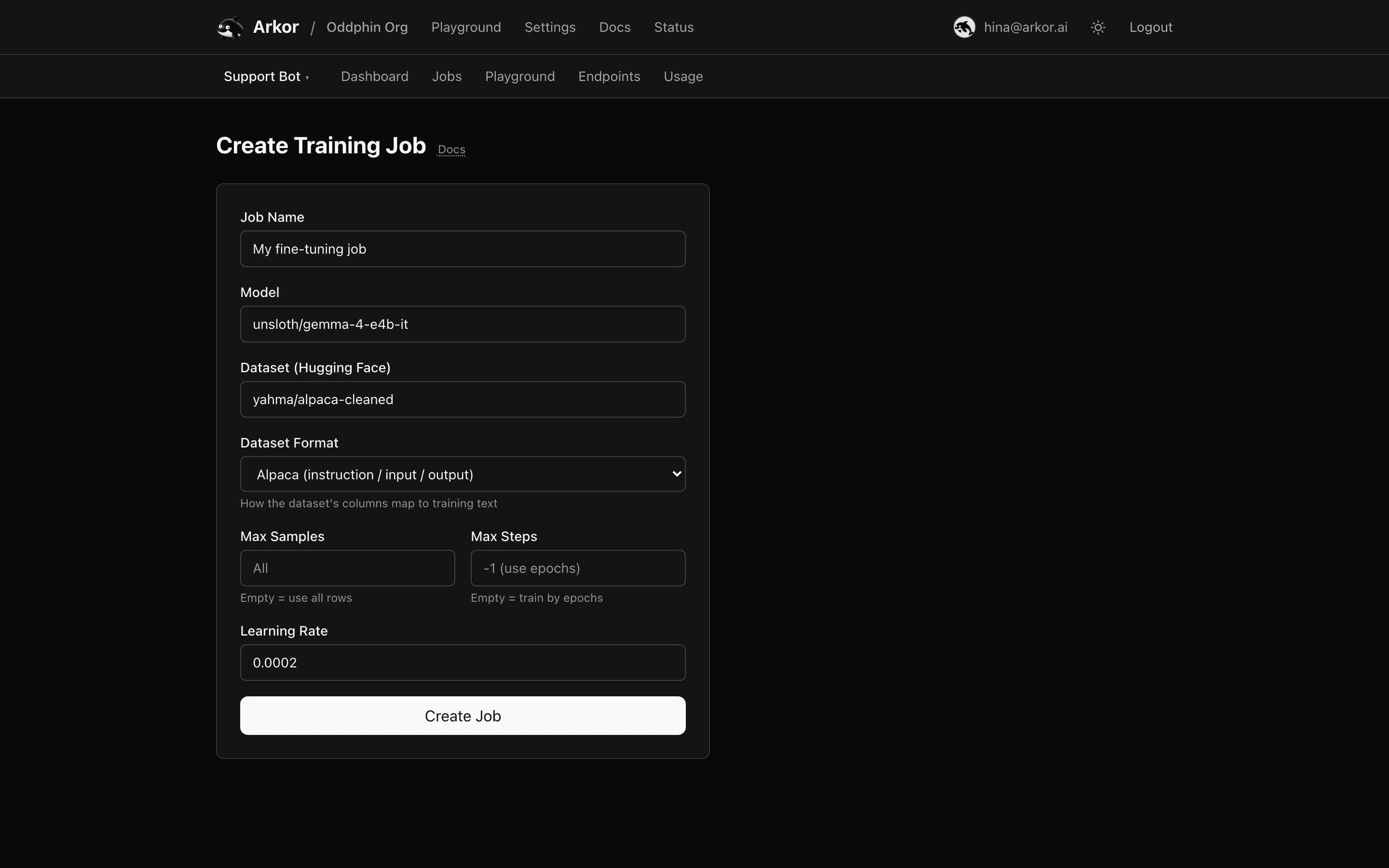
Jobs → New Job takes:
| Field | Notes |
|---|---|
| Job name | Free text, for the job list |
| Model | Hugging Face repo id of the base model |
| Dataset | Hugging Face dataset id |
| Dataset format | How the dataset's columns map to training text: Alpaca (instruction / input / output), ChatML (a messages list), ShareGPT, prompt-completion, plain text, or pre-tokenized |
| Max samples | Optional cap on dataset rows; empty trains on all rows |
| Max steps | Optional cap on optimizer steps; empty trains by epochs |
| Learning rate | Defaults to 0.0002 |
Submitting queues the job. Arkor picks a GPU from its provider pool and dispatches the run; you do not choose or manage GPUs.
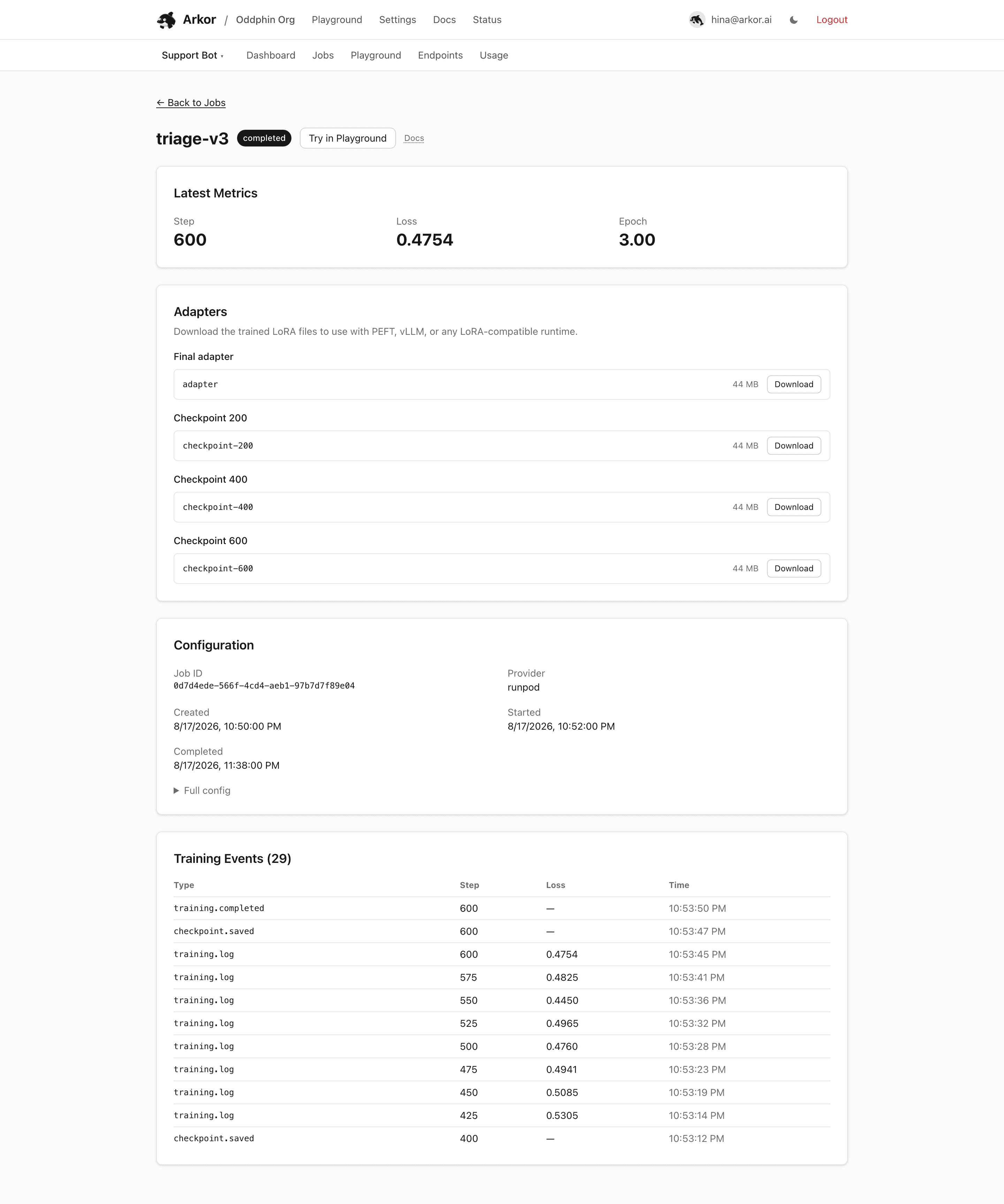
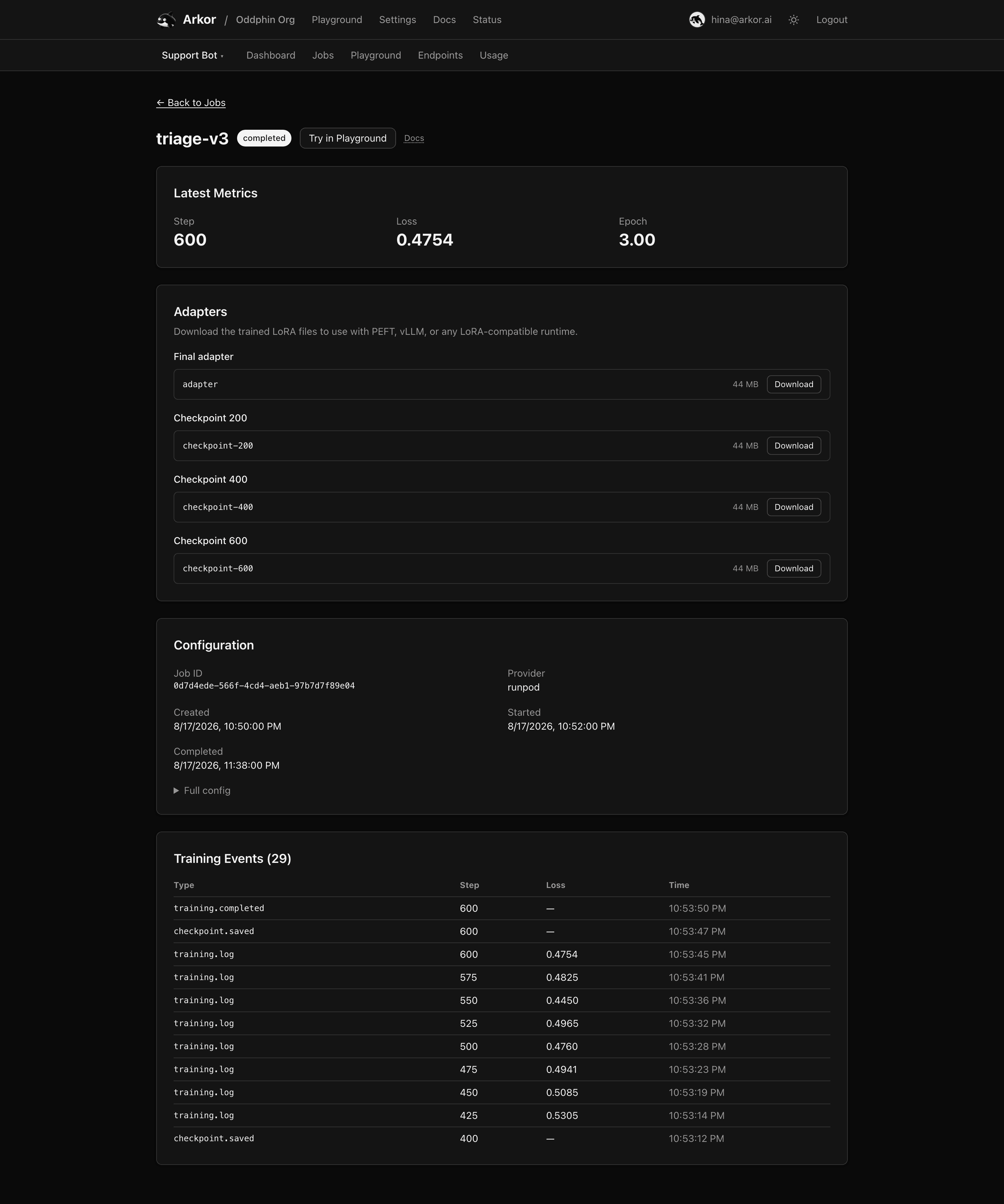
The job detail page shows:
queued, running, preempted, completed, failed, or cancelled, with a Cancel button while queued, running, or preempted. preempted means the GPU the job was training on was reclaimed mid-run; the job is not lost — it waits to be picked up again and resumes from its last checkpoint automatically.Failures surface the trainer's error message in a banner.
During the run the trainer uploads mid-run checkpoints; on success it uploads the final adapter. Both become usable in two places:
*.arkor.app URL. The endpoint's target can be swapped in place through the SDK's deployments API, so you can promote a better checkpoint without changing the URL your app calls.A completed job's detail page links straight to the Playground preloaded with that job.
License
The content of this page is licensed under CC BY 4.0.
Code samples are licensed under the MIT License, which asks you to keep its copyright and permission notice in all copies.
© 2026 Arkor