Renaming organizations and projects, and deleting projects.
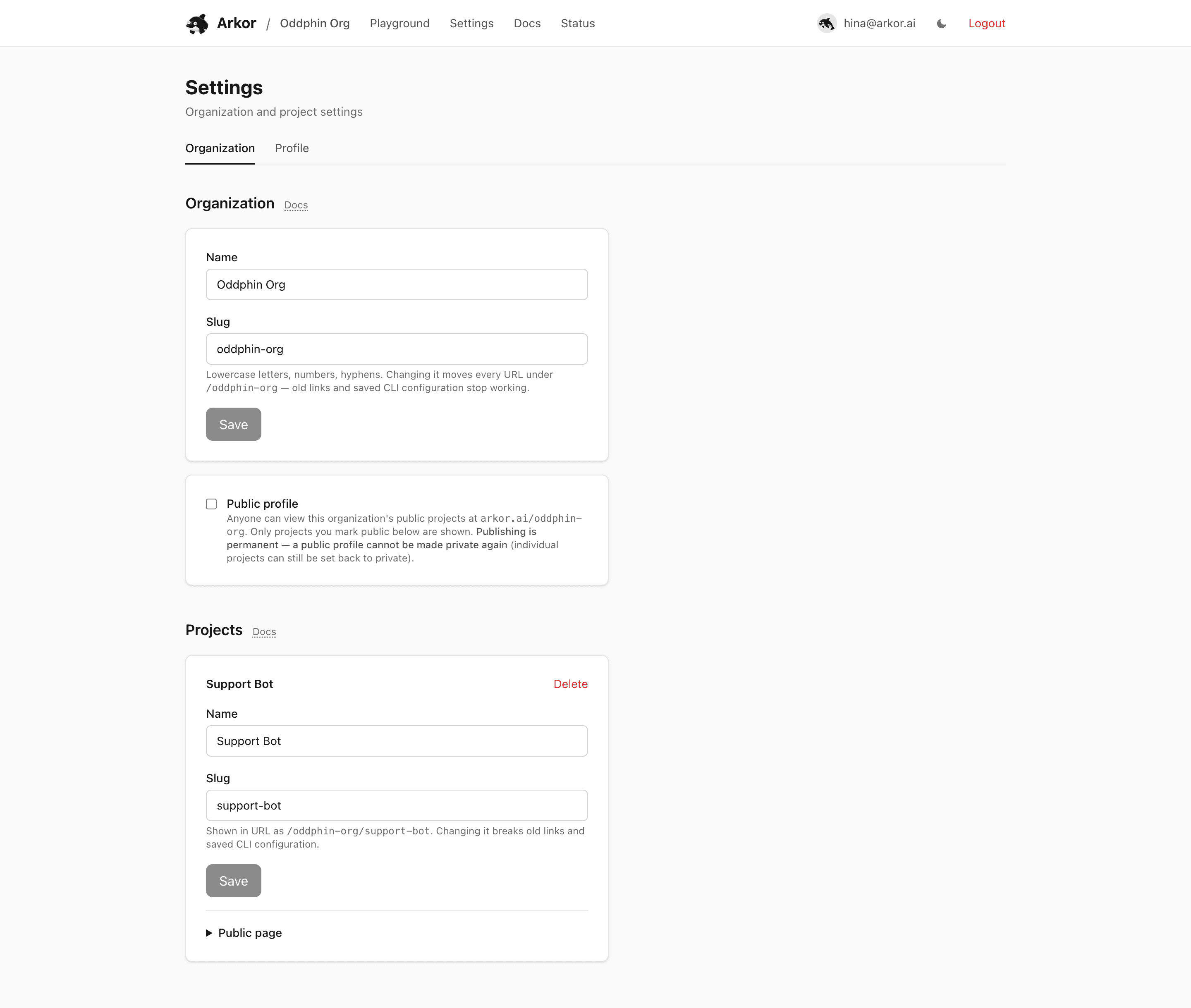
arkor.ai/<org>/settings manages the organization and its projects.
You can change the organization's display name and URL slug. Slugs are lowercase letters, digits, and hyphens, at least 3 characters.
Changing the slug moves every dashboard URL under the organization (arkor.ai/<new-slug>/...) immediately. Old links stop working, and CLI configurations that reference the old slug need updating. Endpoint URLs are not affected; *.arkor.app subdomains belong to endpoints, not organizations. Once the organization's public profile is enabled, the slug is frozen — it is the public URL, and renaming would free it for someone else to claim.
Each project row supports:
Deletion is refused while the project has queued, running, or preempted jobs; cancel them first from the Jobs tab. The confirmation dialog states the scope before anything happens, and the deletion cannot be undone.
Every account gets its own organization when it signs up, and that organization holds exactly one person — you, as its owner. There is nobody else to list, so it has no Members tab. The tab appears for organizations shared by several people, which are not available yet.
Roles apply to every organization all the same, yours included. Two of them exist:
Roles are enforced by the API, not just the dashboard: a request that a role does not permit is refused with 403 and the error code insufficient_org_role, whichever client sends it.
Settings is also where you publish the organization profile and manage each project's visibility, model card, and showcase adapter. See Public projects & model cards — note that publishing the organization profile is permanent.
The Profile tab holds the profile fields shown on the public page — avatar, bio, company, location, and links. See Organization profile.
License
The content of this page is licensed under CC BY 4.0.
Code samples are licensed under the MIT License, which asks you to keep its copyright and permission notice in all copies.
© 2026 Arkor